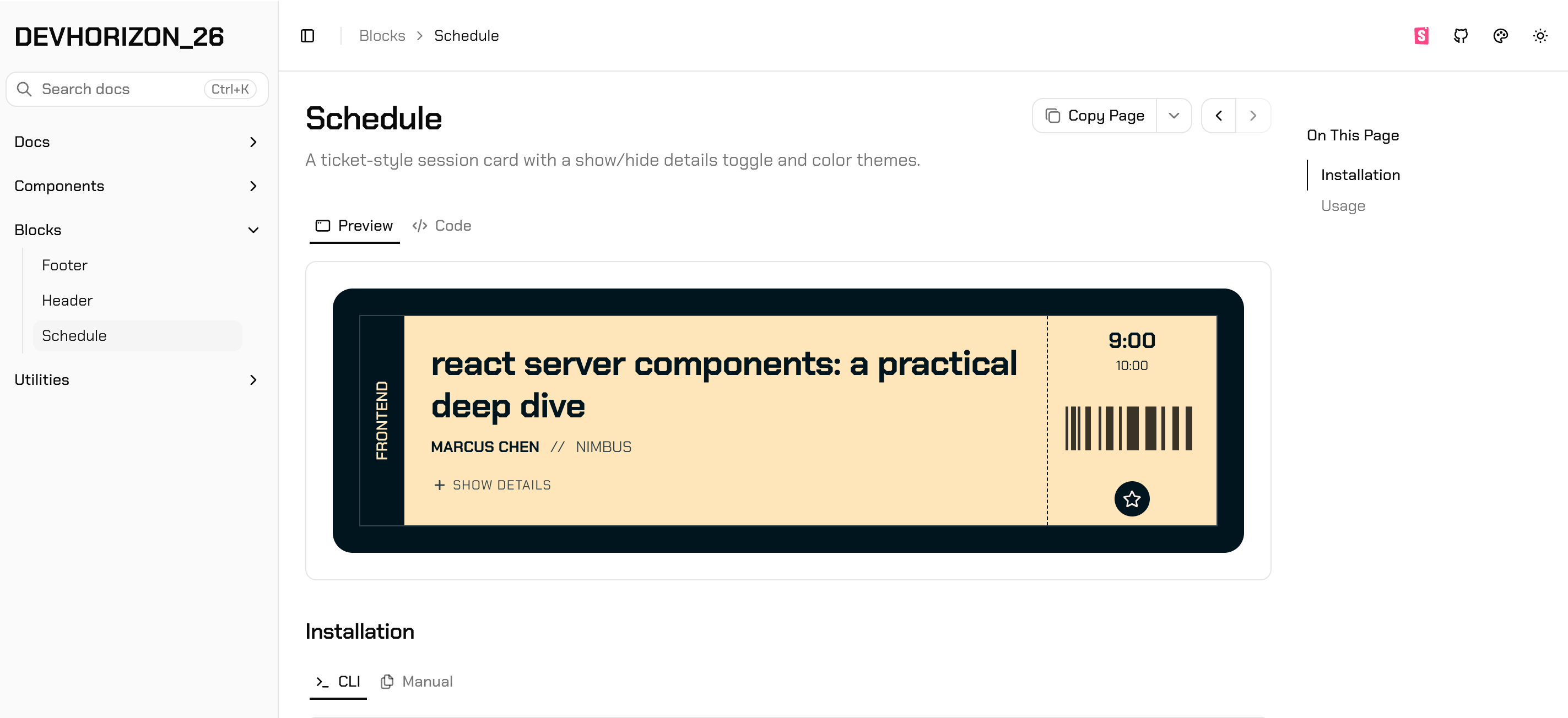
Design alongside your favorite agent. You call the shots; it builds the real thing — not a picture — and Unicorn Horn turns it into a live preview your developers can actually use.
Stop paying for it twice. Design it once, in code.
A mockup gets paid for twice: once to draw it, and again to rebuild it in code, with rounds of back-and-forth in between. Plug in your own numbers to see what that costs.
Your handoff, per month
Screens handed off12
Hours to rebuild each from a mockup6 h
Hours of back-and-forth on each2 h
Hourly rate$85
The handoff tab
monthly · the old way
Screens handed off
12
Rebuild from mockup
× 6 h
Back-and-forth
+ 2 h
Hourly rate
× $85/h
Hours spent
96 h
Paid for twice
Over a year$97,920
With Unicorn Horn
Rebuild from mockup72 h
It's already code. Developers wire it in.
Back-and-forthfewer rounds
Everyone reviews the running component.
Designed once · Built once
[01]
No rebuild.
The preview is the component, in your team's framework. Developers start from working code, not from a picture of it.
[02]
No second AI bill.
Unicorn Horn runs on the agent you already pay for — Claude Code, Cursor or any MCP client.
[03]
Fewer rounds.
Reviewers open the running component at real screen sizes, so what gets approved is what gets built.
How it works
From prompt to shareable link in three steps.
[01]
Connect your agent
Add Unicorn Horn as an MCP server in Claude Code, Cursor or any MCP client. One URL, OAuth or a token.
[02]
Describe what you want
Your agent translates your prompt into real components — React, Vue, Svelte, plain HTML and more — and publishes them with create_preview.
[03]
Share the live preview
Every preview gets a public link. Your team opens the running component, resizes it, flips versions, reads the code.
For developers
Made for the person who has to ship it.
A preview isn't a picture of the component. It's the component, with everything you need to build from it one click away. Pick a control to see what it gives you.
01 / 07 · The component
It runs.
What you open is the component, executing. Hover states, focus rings and real layout are there to inspect, not described in a note beside a picture.
Features
Built for reviewing real UI. Not screenshots of it.
Versions
v7Tighten tile spacingLive
v6Add hourly forecast18m ago
v5Dark mode pass1h ago
v4Restored in dashboard3h ago
v7Live
Every change is a version. Your agent iterates; Unicorn Horn keeps the history. Flip between versions or restore an earlier one.
Phone · 375 × 812
Any screen size. Flip between desktop, tablet and phone — portrait or landscape — in the viewer.
6 previews
Checkout flow
Stack·/c/checkout-flow
Collections. Group related previews — a flow, a feature, a design review — behind one link.
Read the code behind it. Every preview carries its source. Open it, copy it, hand it to whoever ships it.
Sandboxed. Agent-built code runs in a sandboxed frame, isolated from the app and your account.
Team workspaces. Previews, collections and tokens belong to your organization.
OAuth or tokens. Sign your agent in with OAuth, or issue an API token from the dashboard.
Token Factory
Name a color once. Your agent stops guessing.
Token Factory is your team's shared library of design tokens: colors, spacing, radii, type and shadows. Agents read it before they build, so a preview comes back in your brand, and developers export the same values it was built with.
Mode
The library
Brand
Color3 tokens
Brand: 3 color tokens in a sample library
Color
Name
Light
Dark
--brand#C8460E#FF8A4C
#C8460E
#FF8A4C
--brand-soft#C8460E24—No dark value
#C8460E24
—No dark value
--on-brand#FFFFFF#0A0A0A
#FFFFFF
#0A0A0A
Neutrals
Color5 tokens
Neutrals: 5 color tokens in a sample library
Color
Name
Light
Dark
--borderoklch(0.92 0 0)oklch(0.3 0 0)
oklch(0.92 0 0)
oklch(0.3 0 0)
--surface#FFFFFF#0F0F11
#FFFFFF
#0F0F11
--surface-2#F4F4F5#1A1A1E
#F4F4F5
#1A1A1E
--text#18181B#FAFAFA
#18181B
#FAFAFA
--text-muted#52525B#A1A1AA
#52525B
#A1A1AA
Radius
Radius1 token
Radius: 1 radius tokens in a sample library
Corner
Name
Value
--radius-card14px
14px
Shadow
Shadow1 token
Shadow: 1 shadow tokens in a sample library
Shadow
Name
Light
Dark
--elevated0 8px 20px -6px #18181B330 8px 20px -6px #000000CC
Colors, spacing, radii, type and shadows, each a named CSS variable. Colors and shadows can carry a dark value too.
[02]
Bring what you have.
Paste CSS variables, a Tailwind v4 theme or design-tokens JSON to start. Export the same three ways.
[03]
One library, every reader.
Admins set the values. Teammates copy them, agents read them over MCP, and a public link covers everyone else.
The Unicorn System
Every unicorn starts with a horn.
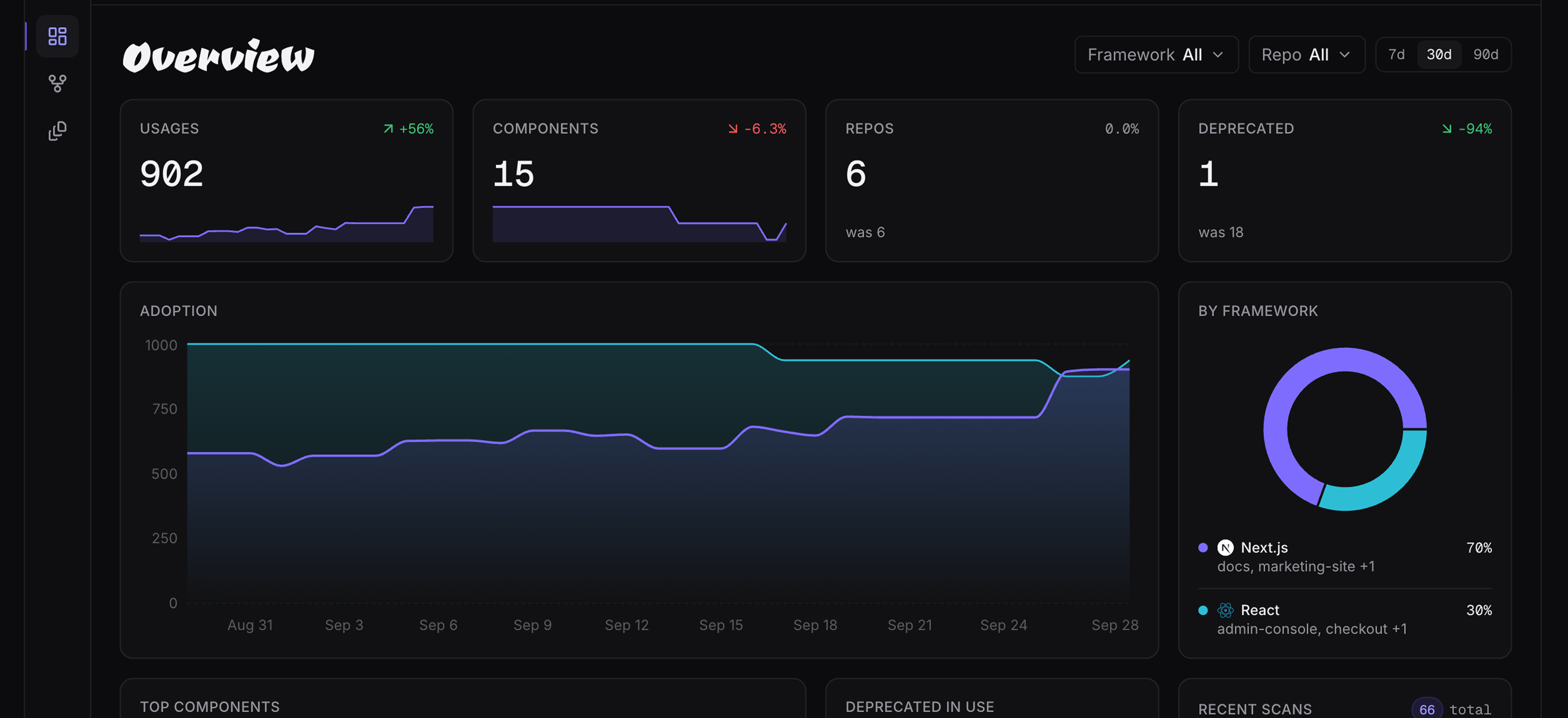
Three parts, one system. The Horn hands your design to developers as real code. The Unicorn is the designer who writes it. The Scan shows where it all ends up.
unicornhorn.app/p/night-drive
Night Drive
Now playing
Night Drive
Horizon Club · Afterglow
1:423:58
Night Drive — playerv3Live
Share
HornUnicornScan
The Horn
For designers who direct agents.
Code is the language developers and the web speak. With an agent, you speak it too: describe what you want, and it's built in your developers' framework of choice. Unicorn Horn turns it into a live preview they can open, inspect and ship.
The Unicorn
For designers who code.
The design engineer: you design in the medium itself and own the design arm of the product end to end, from tokens and components to the docs your team builds with. What's a design engineer?
The Scan
For systems out in the wild.
Once your components ship, UhScan reads the repos your teams build in and shows what's adopted, what's drifting and what should have been retired. See UhScan
Describe it. Preview it.Share it.
Connect your agent in a minute. Send your team a link to the real thing, not a picture of it.